
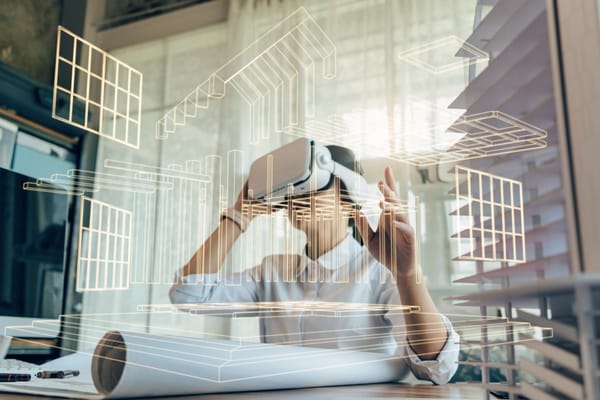
Virtual reality lets buyers walk through a condo suite before it’s built. Wearing a headset in the presentation centre, or using a browser at home, they can move room to room, judge ceiling heights and sightlines, and see finishes at true scale. For developers, it answers the question floor plans and renderings can’t: what does this space actually feel like to stand in?
This guide covers how VR fits into pre-construction sales, the difference between headset and browser-based VR, and what to plan before you commission it.
What VR adds that renderings can’t
A rendering shows one carefully chosen view. VR lets the buyer choose where to look. That changes the conversation in three ways:
- Scale. Buyers understand room sizes, ceiling heights and how a sofa fits far better standing inside a space than reading dimensions on a plan.
- Layout. Walking from the entry to the kitchen to the bedroom makes the flow of a suite obvious.
- Finishes. Buyers can compare finish packages in the actual room, rather than on a sample board.
VR works best alongside your renderings and floor plans, not instead of them.
Headset VR vs browser-based VR
Headset VR | Browser-based VR | |
Where it’s used | Presentation centre, events, broker previews | Project website, emailed links, any device |
Experience | Fully immersive, true sense of scale | Click or swipe to look around; no headset needed |
Best for | Serious buyers in a guided sales appointment | Reaching more buyers, including out-of-town investors |
Hardware | Headsets such as Meta Quest, Apple Vision Pro, PICO or HTC Vive | None beyond a phone or computer |
A common approach is to use both: browser VR to generate interest, and a headset session in the presentation centre to help close.
What to show in VR
You don’t need every suite. Focus on:
- Your two or three best-selling layouts
- The signature amenities, such as the lobby, terrace or pool
- Each finish package, switchable inside the same suite
If views matter to your pricing, ask how they’ll be created. Accurate views need real site context, which affects scope and cost.
Planning a VR experience
Start from the same model. If your studio has already built the model for renderings and animation, VR reuses it. That saves time and keeps every asset consistent.
Plan the sales flow. Decide when in the appointment the headset comes out and what the salesperson says while the buyer is inside. A guided session works better than leaving buyers to wander.
Keep it simple to run. Staff should be able to start the experience, reset it and switch suites without technical help.
Think about updates. If finishes or layouts change, ask how quickly the VR can be updated.
What to send your studio
Floor plans, elevations, CAD, Revit or BIM files, and the finish schedule for each package. If you only have early drawings, a studio can start with massing and layouts and add detail as the design develops.
Frequently asked questions
Can you create VR of a condo that hasn’t been built?
Yes. The VR environment is built from architectural drawings, CAD or BIM files, so buyers can walk through suites and amenities long before construction is finished.
Do buyers need a VR headset?
No. Browser-based VR works on phones and computers without downloads. Headsets give a more immersive experience and suit presentation centres.
Which headsets are supported?
VR can be built for headsets including Meta Quest, Apple Vision Pro, PICO, HTC Vive and Valve Index, as well as web browsers.
Is VR worth it for a smaller project?
It depends on your buyers and budget. For smaller launches, browser-based VR of one or two key suites is often enough. Our VR page covers the options.
EnDesign builds 3D VR experiences for GTA developers & real estate agents, from browser-based tours to headset-ready presentation centre experiences. Request a demo and we’ll reply within one business day.